Discover
Browse by country, genre and language, search the KTed directory, and explore popular or trending stations where available.
 Coming Soon
Music & Audio · KTedServices
Discover and listen to live internet radio stations from around the world with KTed Radio for Android. Browse by country, genre and language.
Coming Soon on Android
KTed Radio is in pre-release. Final launch and purchase details will be shown here when they are ready.
Live internet radioWhat to expect
The current pre-release build centers the listening journey: find a station, start playback and keep the controls close.
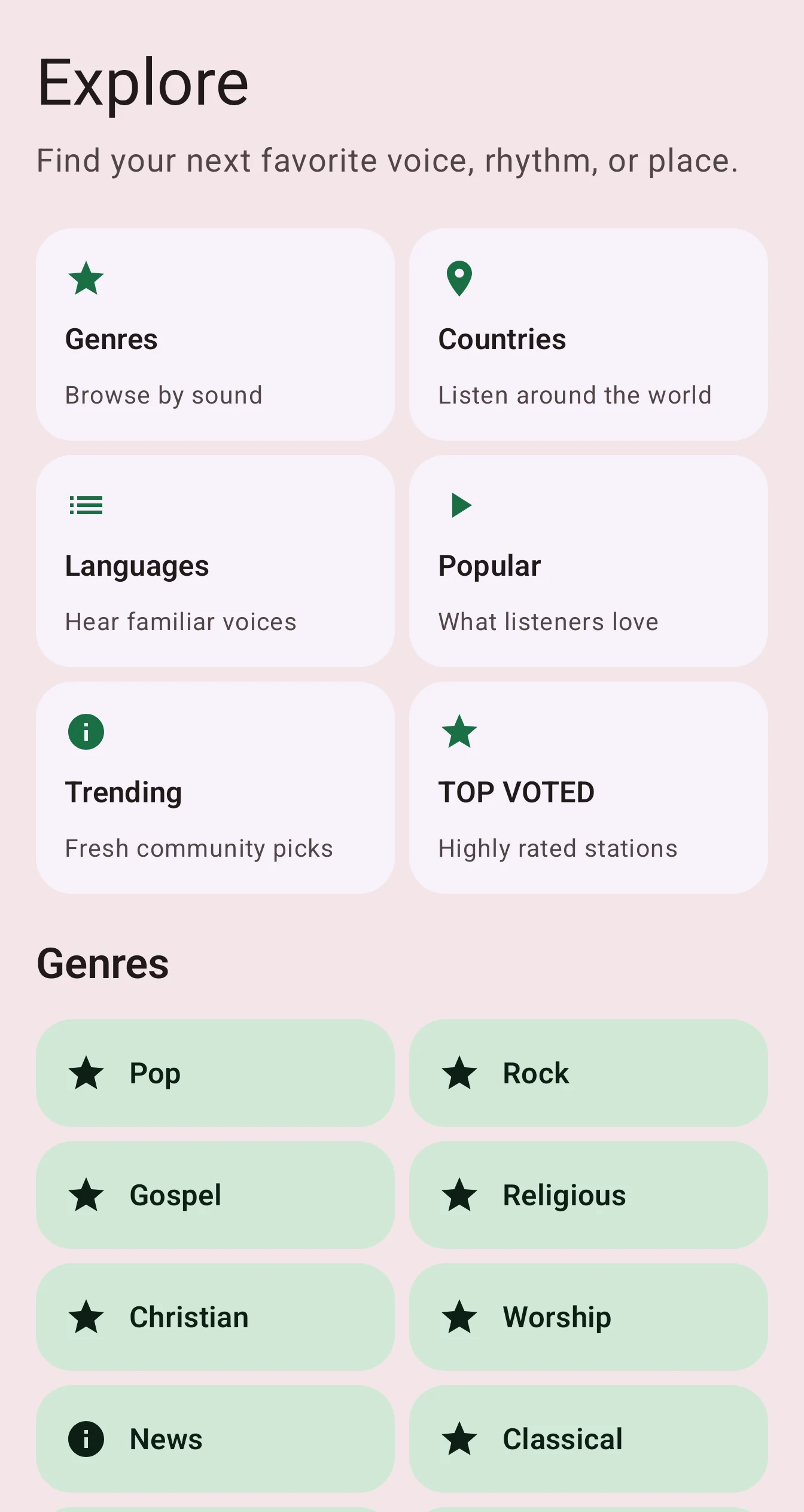
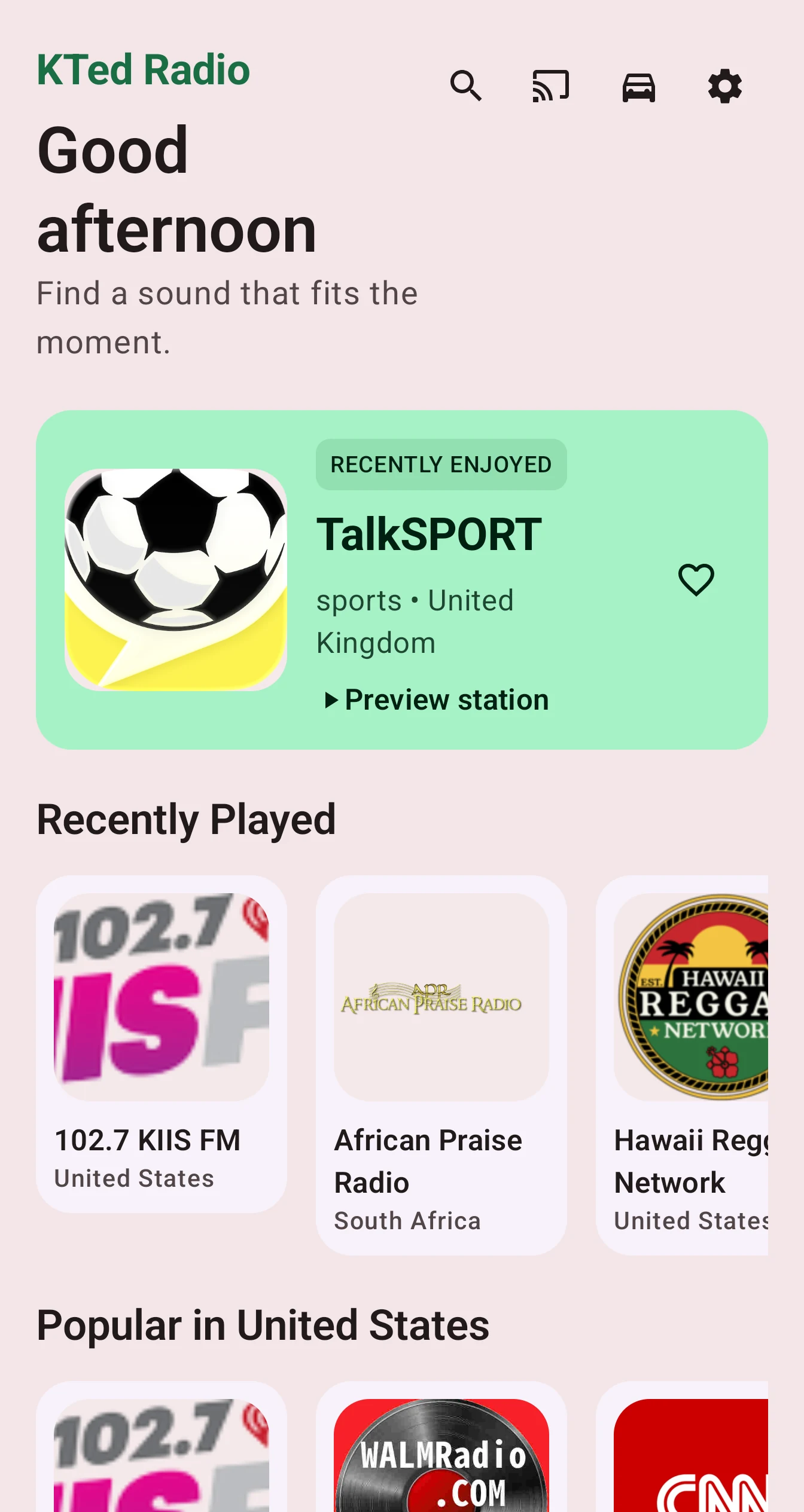
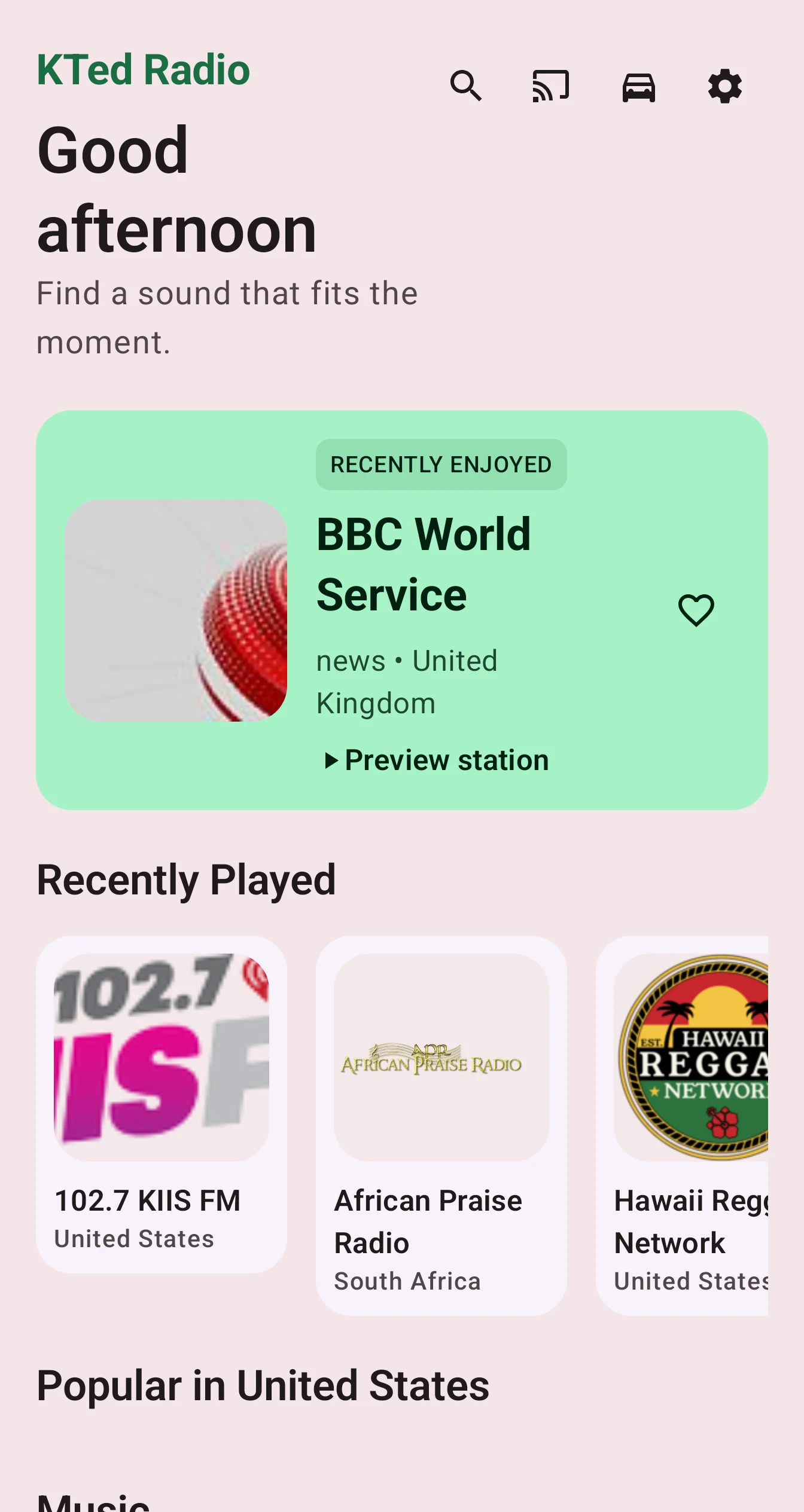
Browse by country, genre and language, search the KTed directory, and explore popular or trending stations where available.
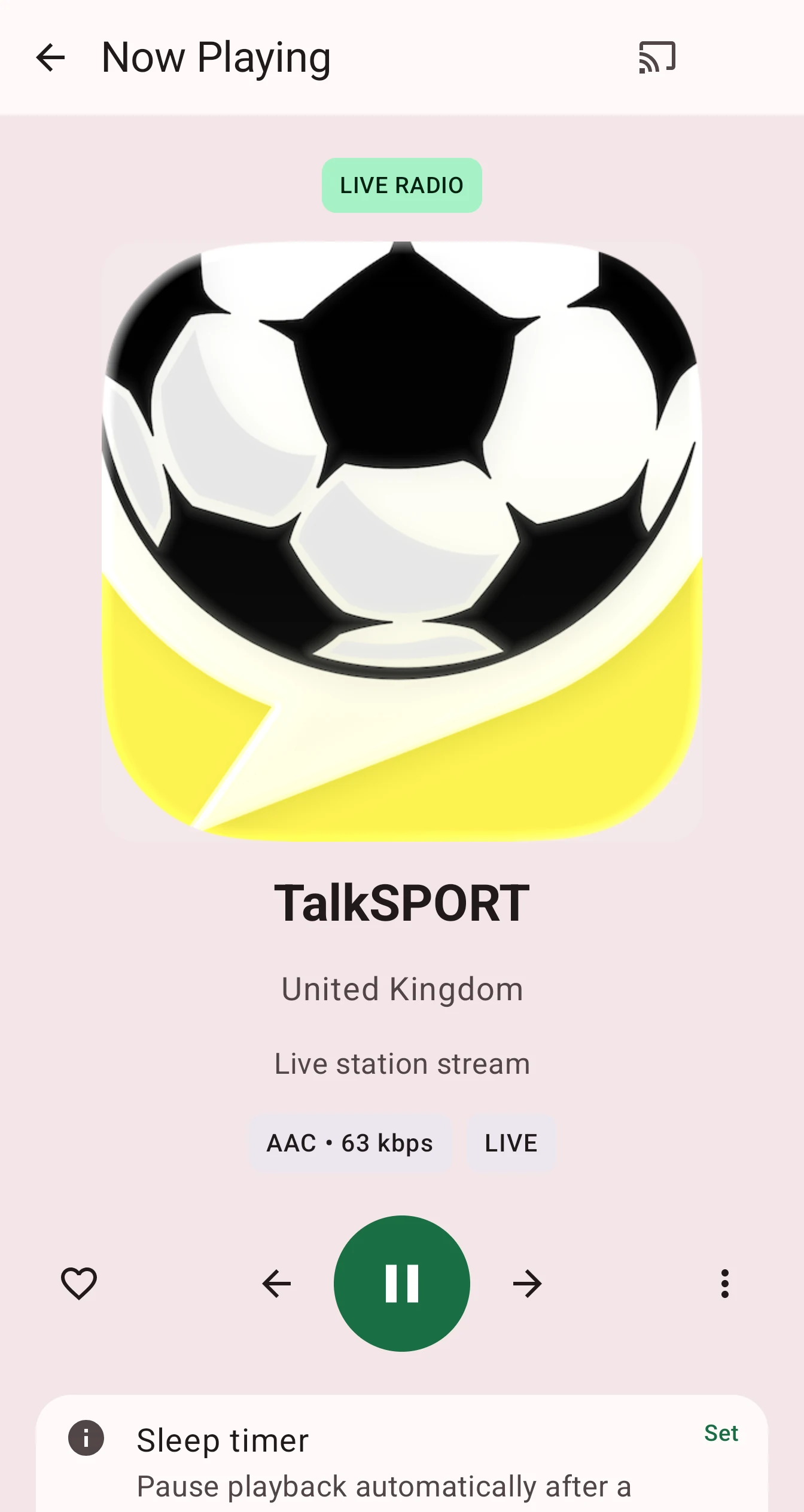
Stream live internet radio with background playback, media controls, Bluetooth support, a mini player and Now Playing. Car Mode and Android Auto are supported in the current build.
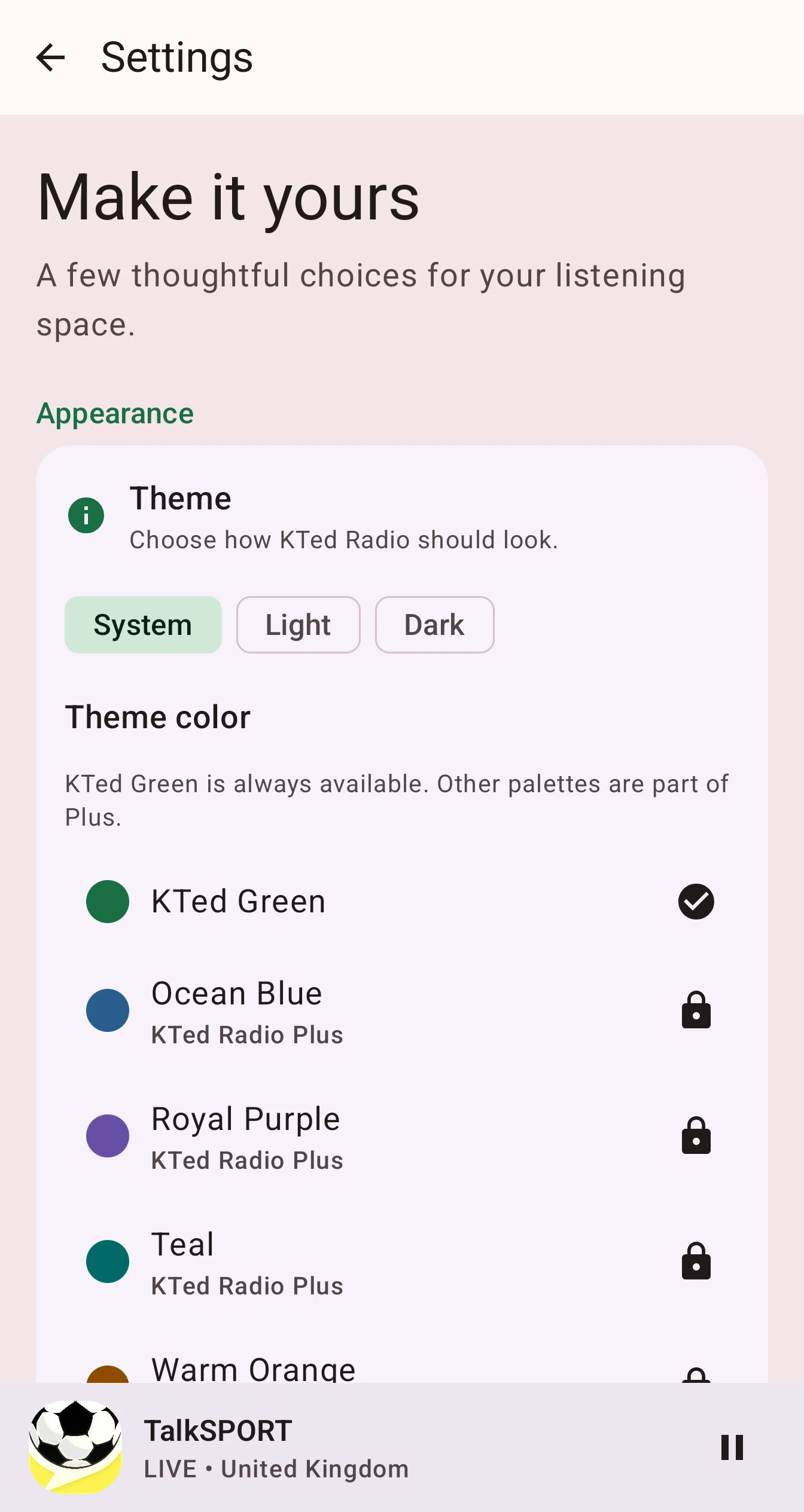
Keep Favorites and Recently Played close, add custom stations, choose a theme color and use the Sleep Timer when you are winding down.
From the current build
These screenshots were captured from the current KTed Radio build on a connected Pixel 8 Pro. They show the app as it works today; presentation assets have only been cropped for the web.
Free and Plus
Core discovery and listening are designed to be free. KTed Radio Plus is planned as a one-time lifetime upgrade with additional premium conveniences such as Favorites, Cast, quick station switching, theme colors, custom stations and optional Drive Backup.
Play Billing is not connected in the current pre-release build, so no price or purchase link is published yet. Final purchase details will be shown at launch.
When available, Plus backup uses Google Drive’s private appDataFolder space. It is designed for Favorites, added or custom stations and theme personalization. Recently Played is not included. KTedServices does not store these backups.
Good to know
KTed Radio uses your device’s selected region to show regional stations and recommendations. To change the country used by KTed Radio, change the region in your phone or tablet’s system settings.
Station discovery and station information are provided through the KTedServices radio directory. Audio is streamed from the individual station or its streaming provider.
KTed Radio helps users discover and access third-party radio stations. Station programming, stream availability, geographic restrictions, websites and other broadcaster-controlled content are provided by the respective stations or service providers. Station names, logos, trademarks, and other brand assets belong to their respective owners.
Questions before launch?